 Pixverter
Your photos, ready in seconds
iPhone photos that open everywhere, product shots on white, passport photos and tiny file sizes. Right on your device.
Your images are converted on your device and never uploaded.
HEICJPGPNGWEBPAVIFGIFBMPSVG
Pick a job
Real results, made with Pixverter
 HEIC · 294 KBJPG · 397 KB
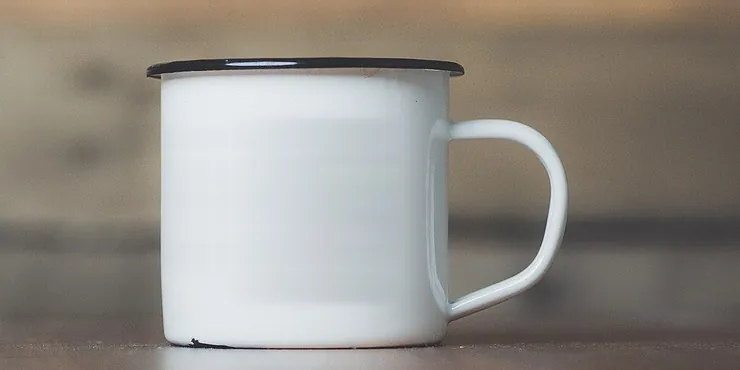
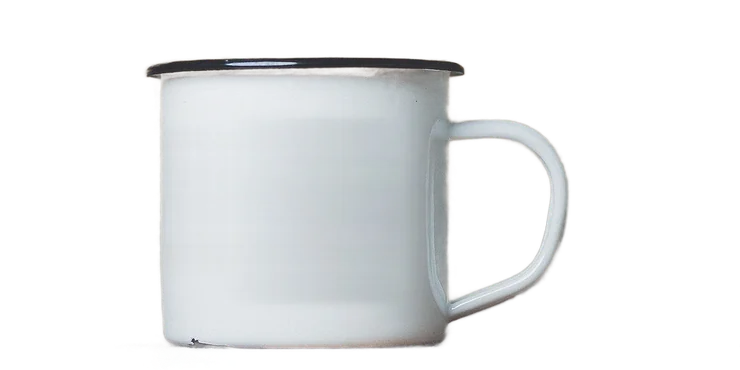 OriginalBackground removed
 99.8 KB
Sample photos: CC0, via Wikimedia Commons. Sizes measured, in 1,024-byte KB like upload forms count them.
Frequently asked questions
Is Pixverter really free?
Yes. Converting, compressing and resizing are free for up to 5 images at a time, without sign-up or watermarks. Pro is for people who process lots of images: unlimited batches, files up to 200 MB and ZIP downloads.
Why is it private?
Most online converters upload your files to their servers. Pixverter does all the work inside your browser, so your photos never leave your device.
Which formats are supported?
You can open HEIC/HEIF, JPG, PNG, WebP, AVIF, GIF, BMP and SVG files and save them as JPG, PNG or WebP.
Is there a file size limit?
Free handles files up to 15 MB each; Pro up to 200 MB. Because processing happens on your device, very large files depend on your device's memory.